

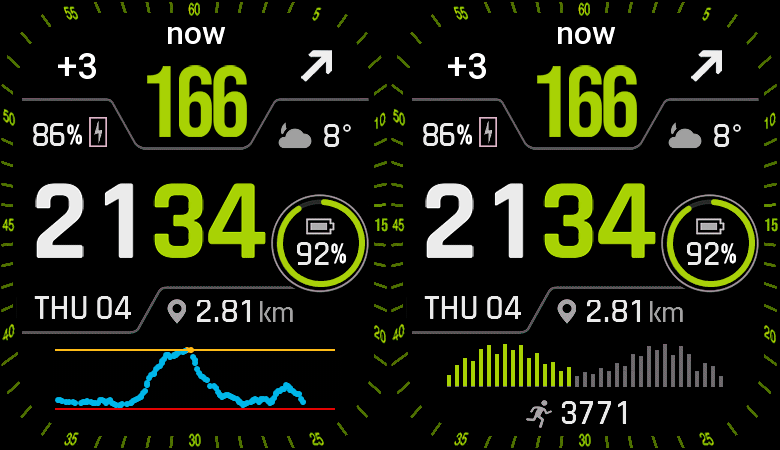
Thanks to nimrod100 for helping me the adaptation.
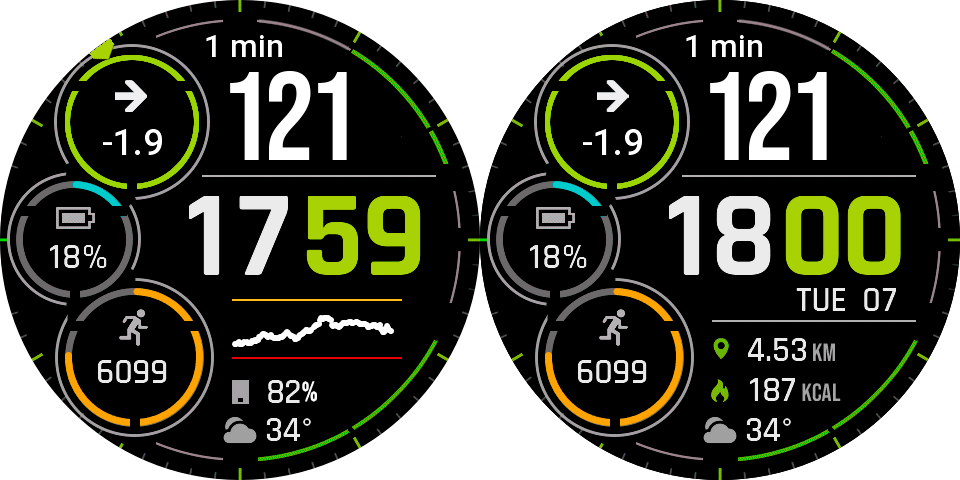
Watchface compatible with Watchdrip mini-app v2.0.2 or higher for compatibility with ZeppOS 3 and newer.
Also compatible with new Watchdrip+ Service app for ZeppOS 3 and newer.
Based on this WF: https://amazfitwatchfaces.com/balance/view/5157
Enjoy…
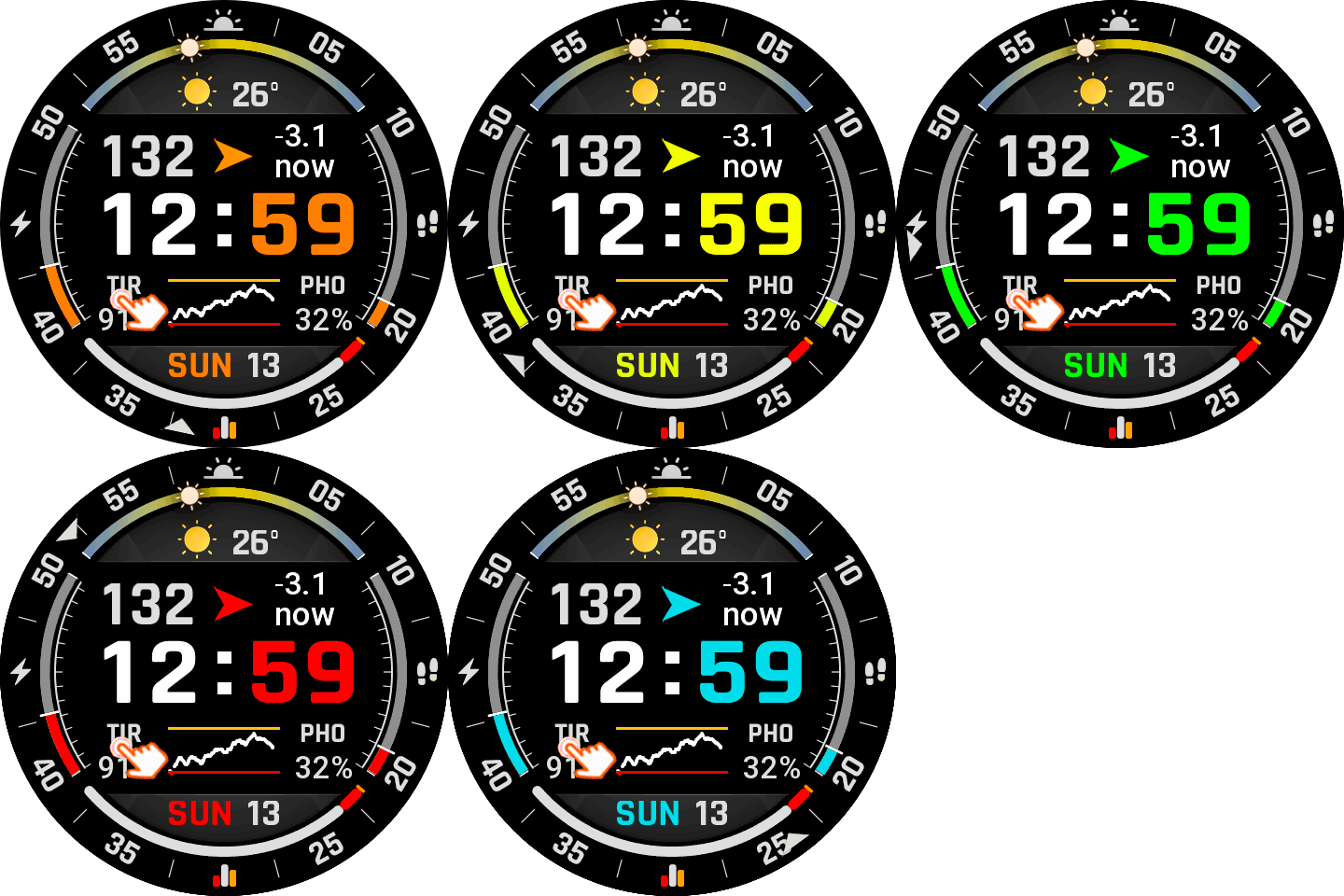
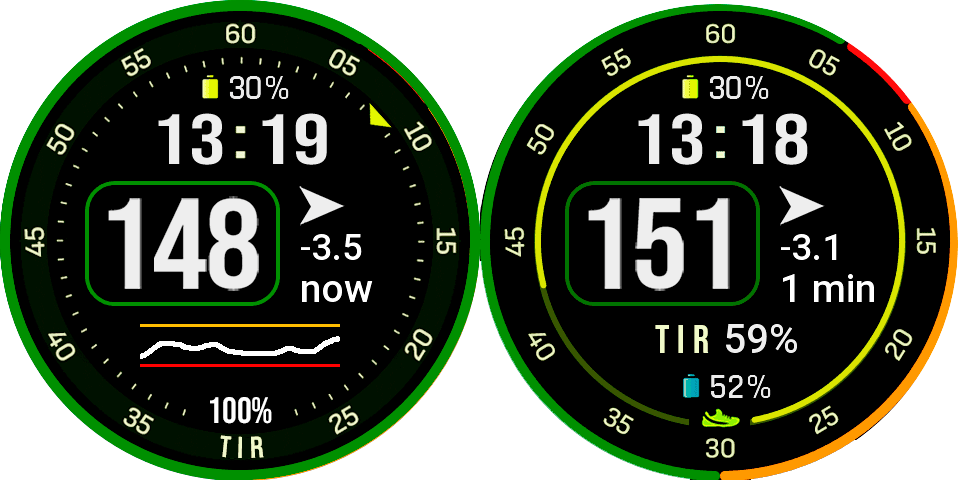
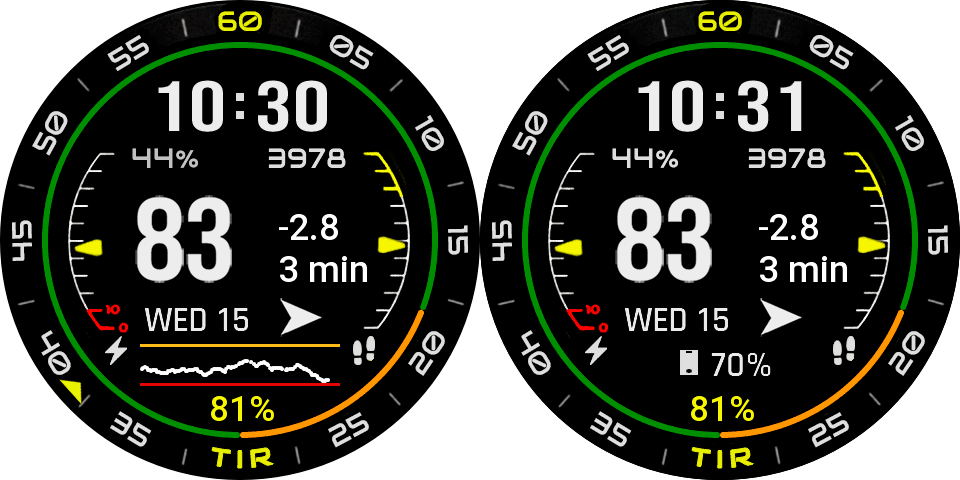
2 Responses
Hi, how to change graph to steps when I long press the watchface there is no blue edit button or this is not working on Bip 6?
It is impossible to install this watchface (and any other ones for bip 6), there is “Download failed” sign
I use latest Zepp app v10.0.9 (but also tried earlier versions: 9.14.2 (same problem) and some 8+ versions (impossible to connect bip6)
None of the watchfaces for the BIP 6 from this site work (At the same time, any other watch faces from amazfitwatchfaces can be installed without any problems.)
I dont know to contact with author and dont know how to fix this problem 🙁
Please help if anybody know the solution