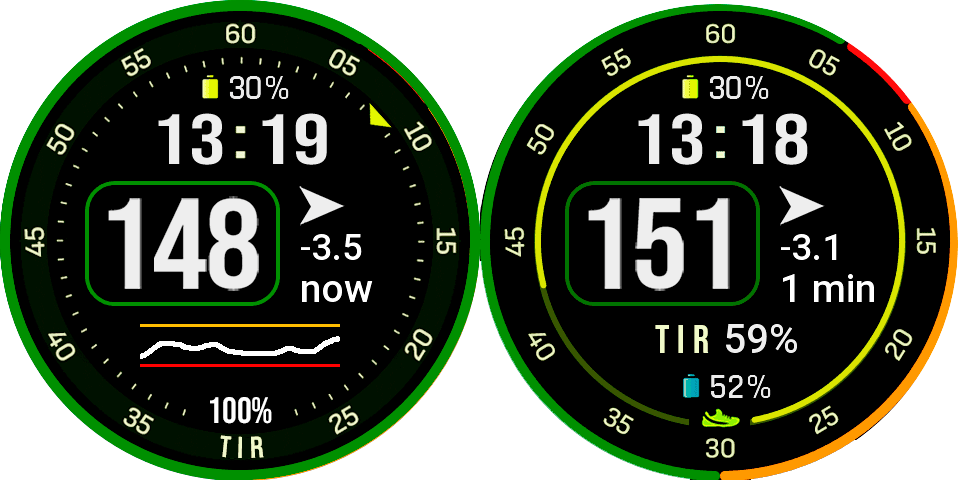
Updated for 454px 466px and 480px resolution.
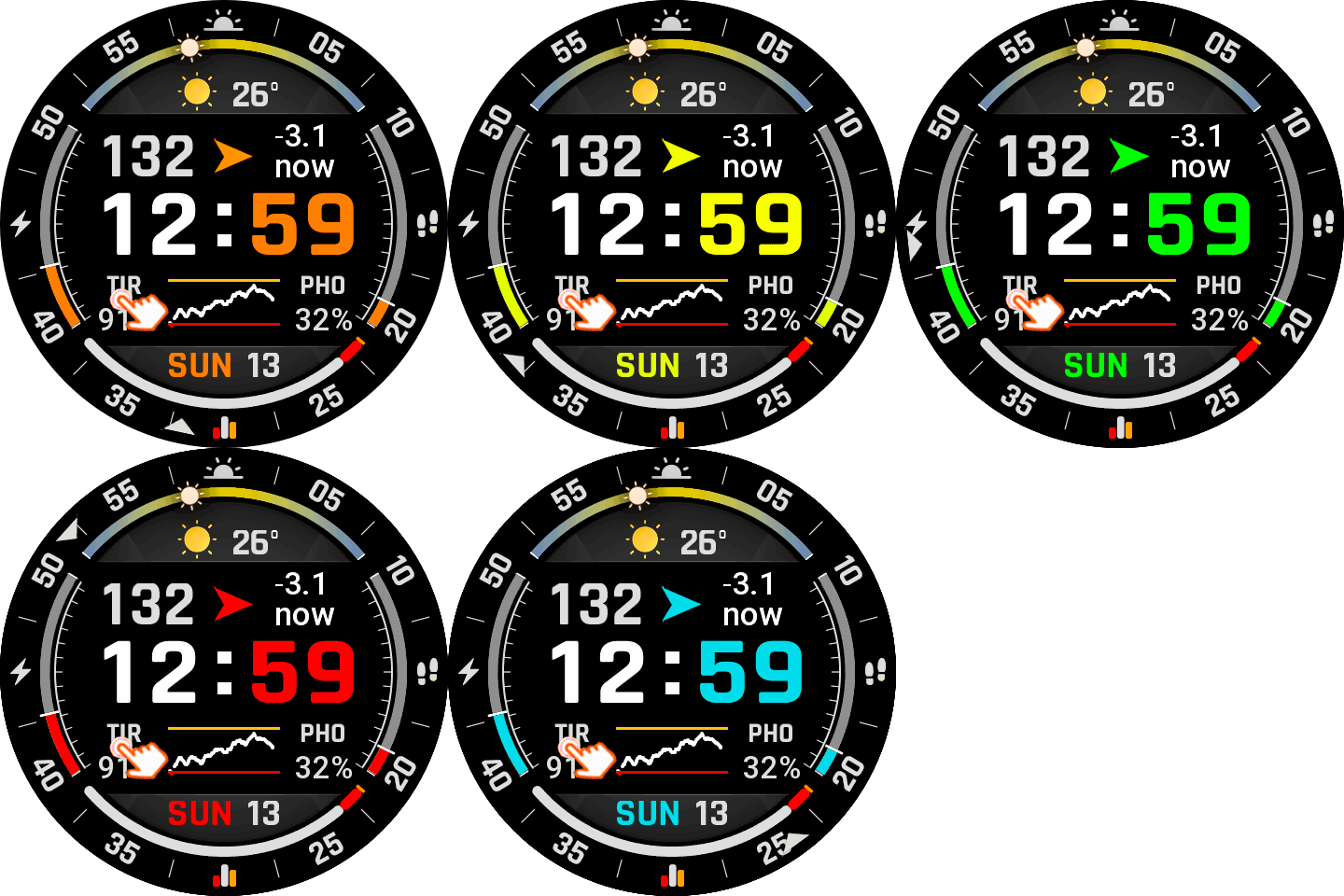
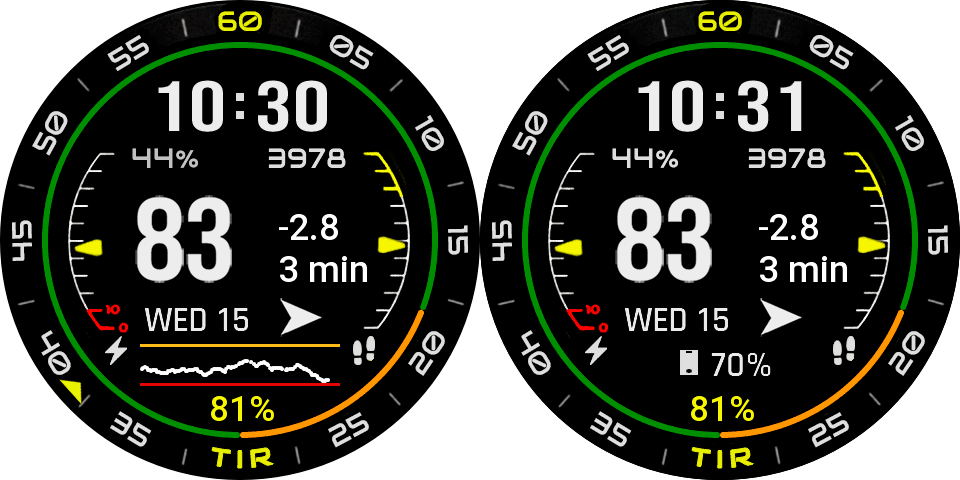
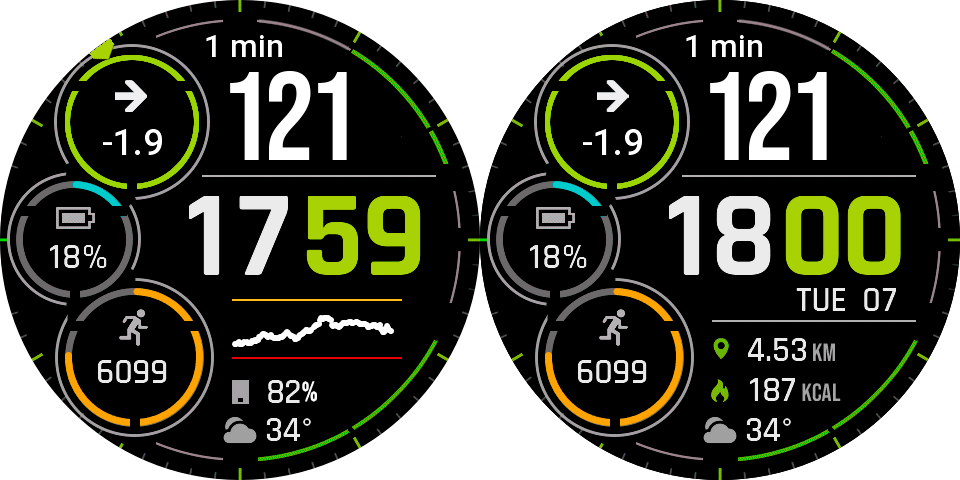
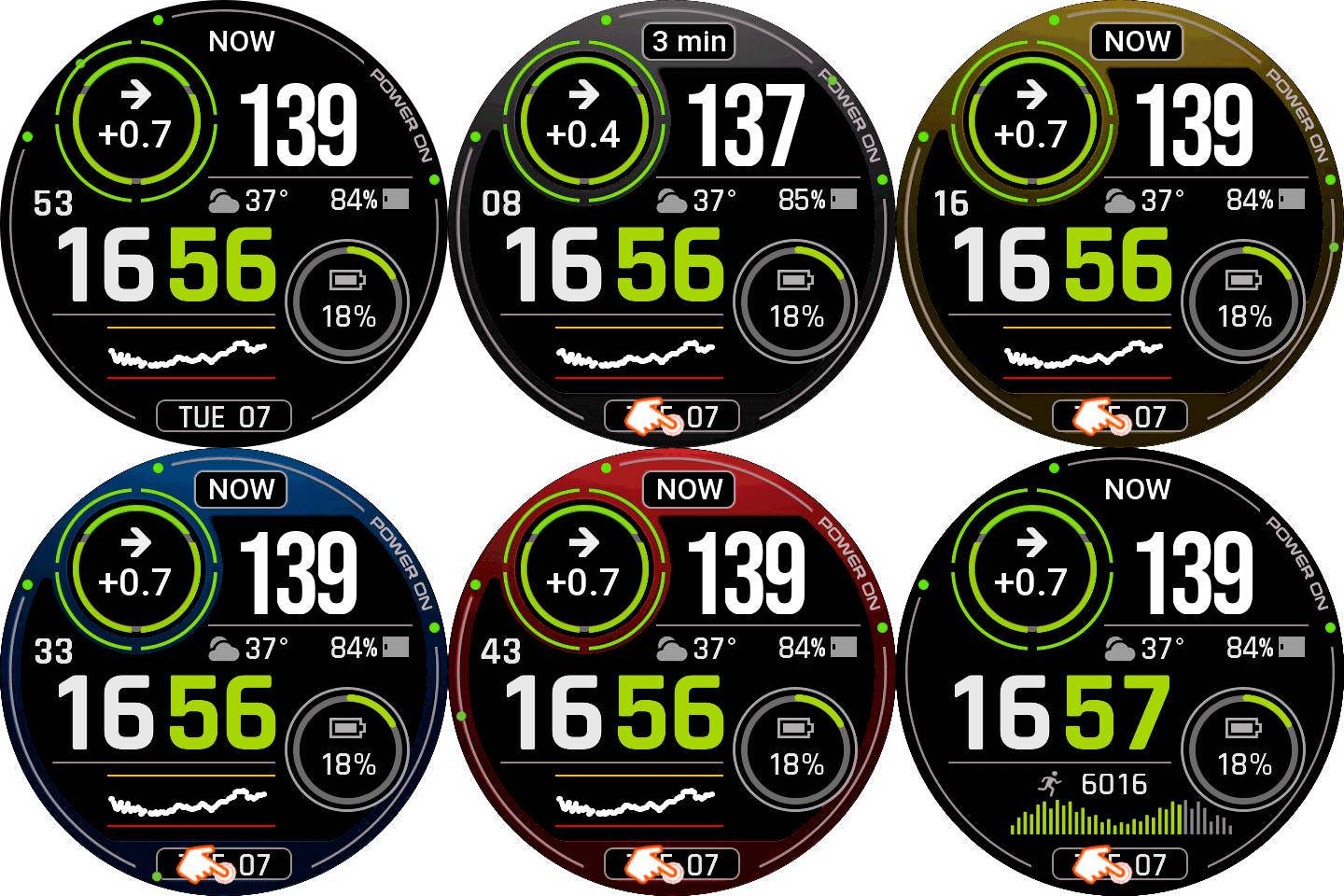
The watch displays the Time in Range (TIR) data.
Thanks to nimrood100 and bigdigital for your great work! You’re the best.
It is essential to install the latest version of Watchdrip (0.5.0) and the best option (Watchdrip Service App – nimrood100).
AOD compatible.
Enjoy…


5 Responses
Hi, thanks for the work you’ve done, but I’d like to report an issue with this watch face for the Bip 6. It downloads correctly but displays only a black screen; if I long-press the screen to change the watch face, a smaller version becomes visible, but as soon as I touch the screen, it goes black again and shows nothing.
Confirmed. Same problem on my bip6.
Unfortunately, it seems the watch face creator doesn’t read the comments.
Hi, this would be a mistake in watchface creation, square watches are not compatible, only round devices…
I’ts a great idea display the border cvolor by the glucose level trend. This feature deserves to be included in the description.