

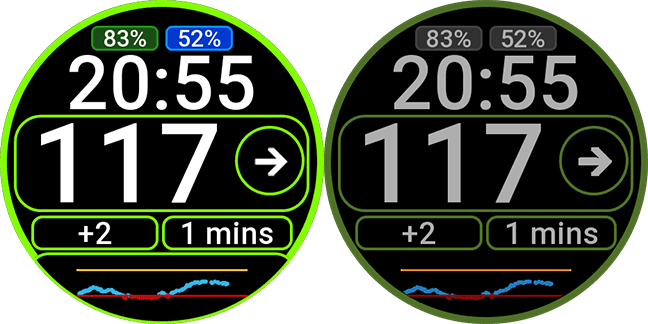
Watchface compatible with Watchdrip mini-app v2.0.2 or higher for compatibility with ZeppOS 3 and newer…
Also compatible with new Watchdrip+ Service app for ZeppOS 3 and newer…
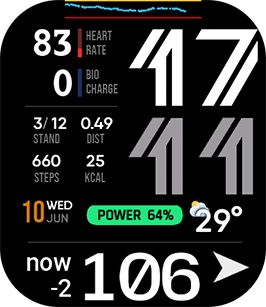
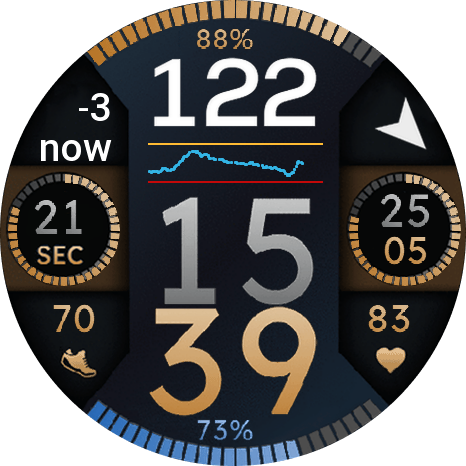
Compatible with round and square devices…
Added Support for Bip Max
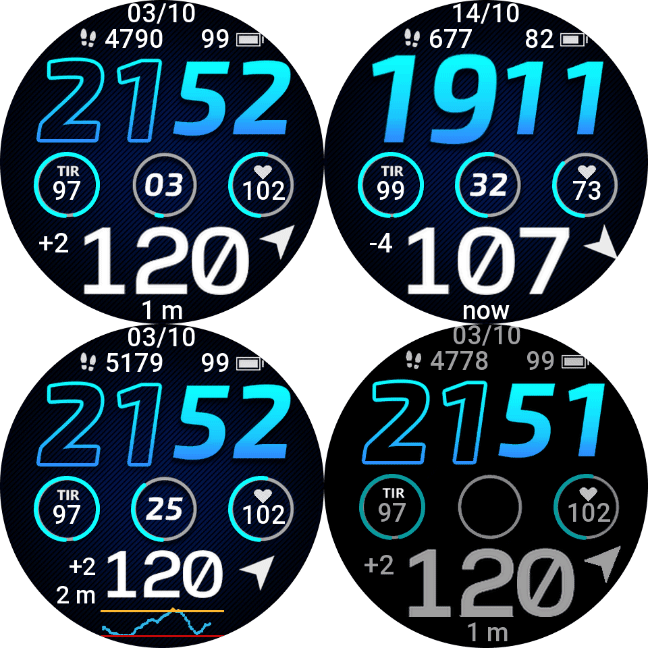
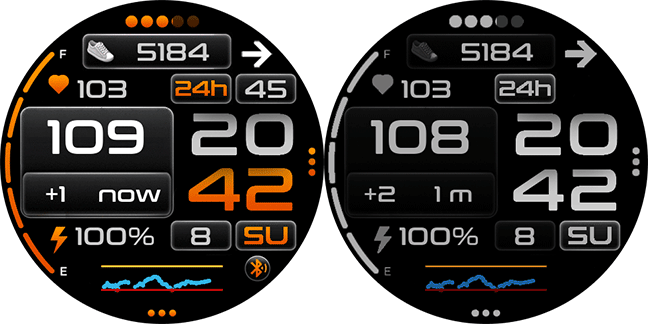
If you have watchdrip 0.5.0 or greater TIR is displayed…
AOD compatible.
Added graph in AOD mode for all devices.
Version 1.0.4 reduced battery consumption and fixed graph memory leak…
Enjoy…
4 Responses
Hi, I have a question, is it possible to somehow edit the dial to suit myself, for example add a date instead of a chart?
Nope, this watchface is simply and fixed
Hi, I have a question: I’m using Watchdrip version 0.5.0 and the WD Simply TIR watch face—what do I need to do to get it to display TIR?
With version 0.5.0 the watchface detects tir and show it… if square watch only at AOD screen, if you have a round device It’s down the graph and at external crown… if it doesn’ display update the whatchface to the actual version…