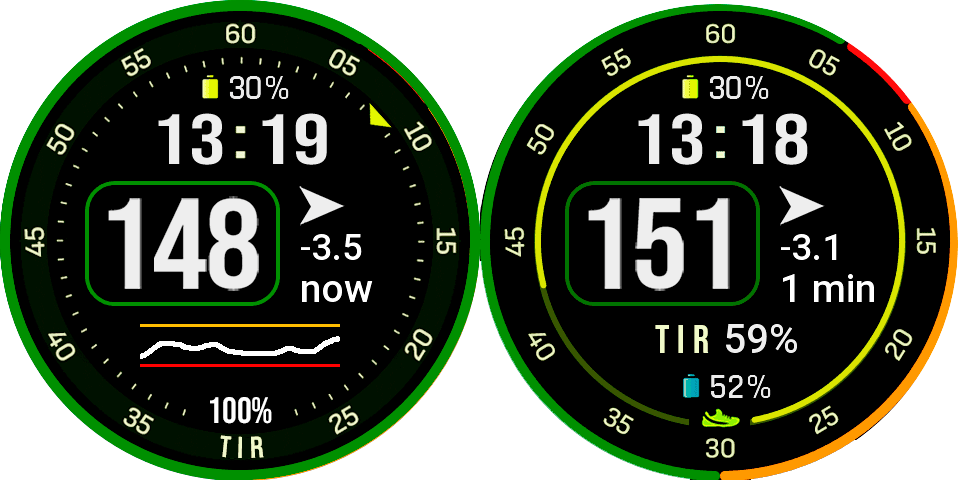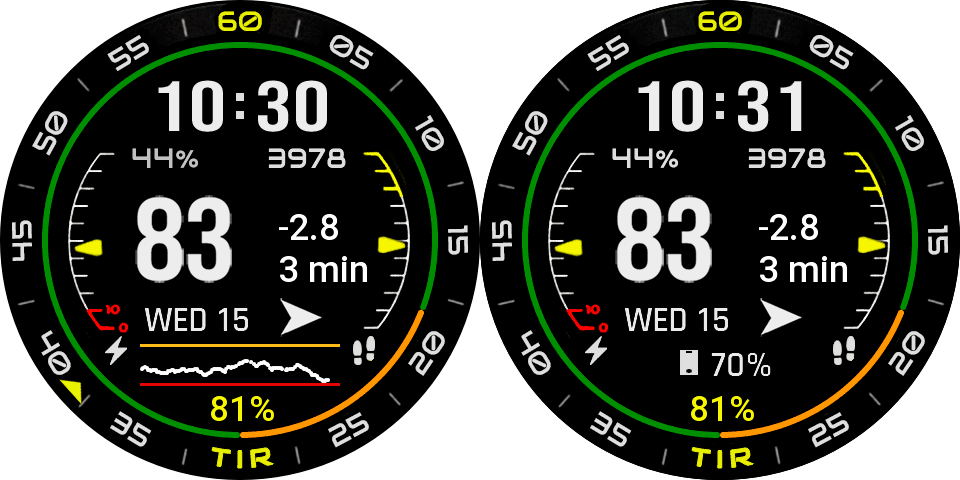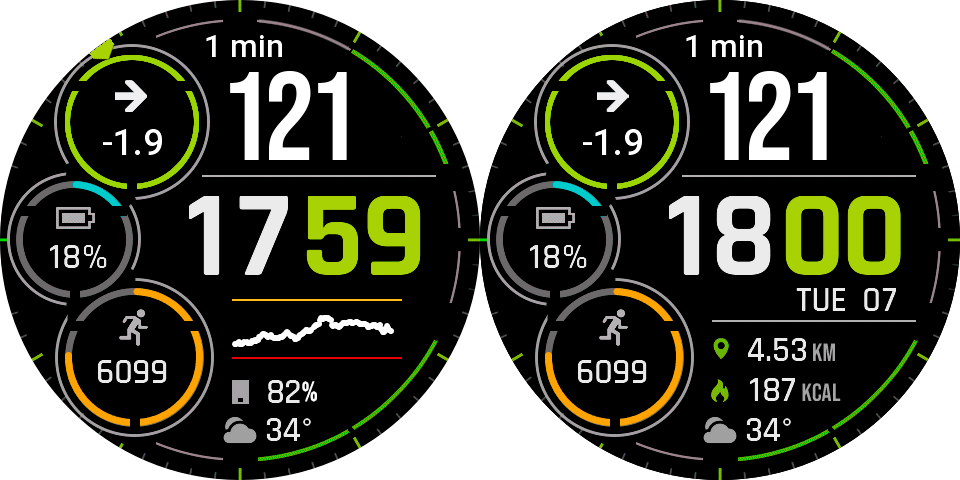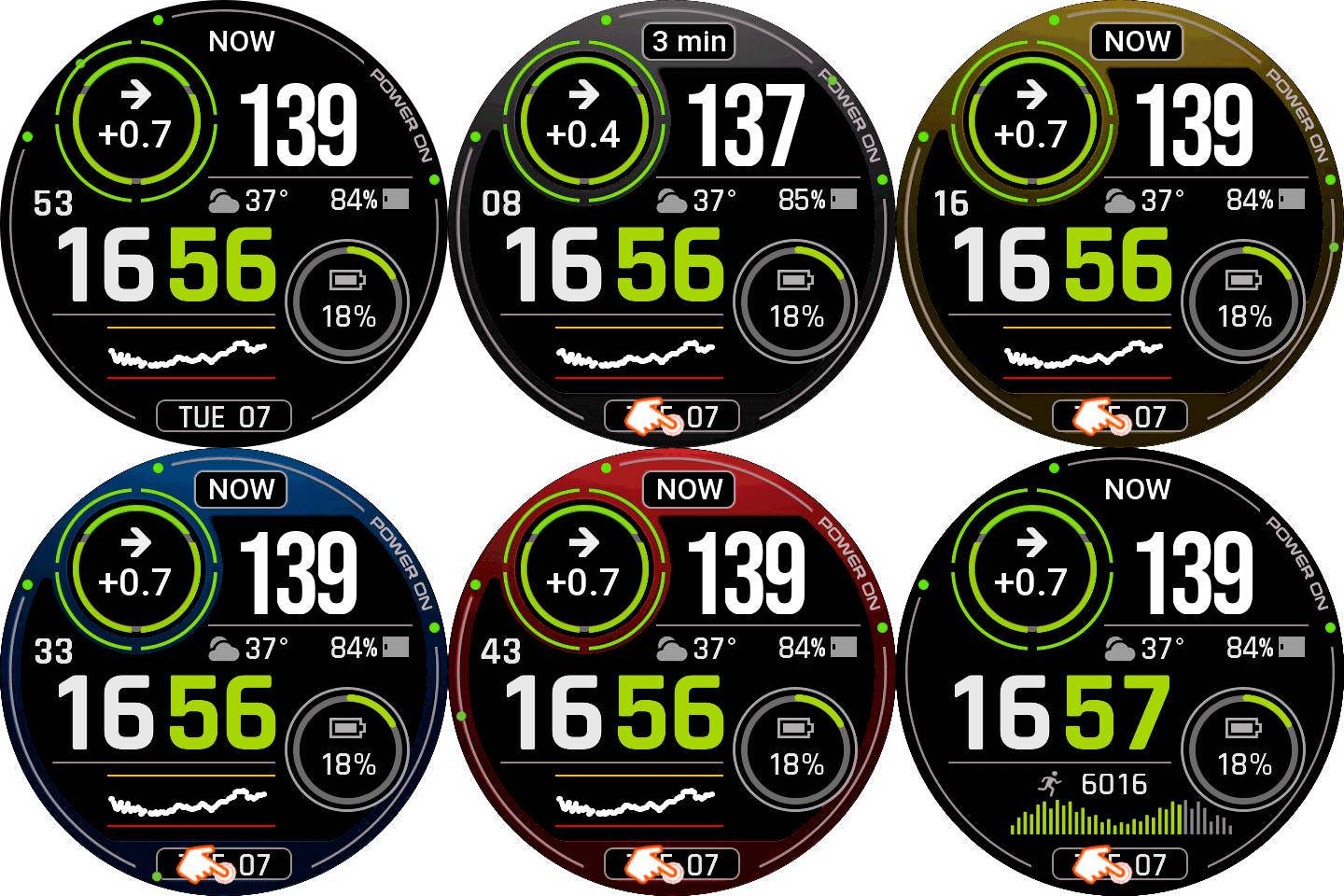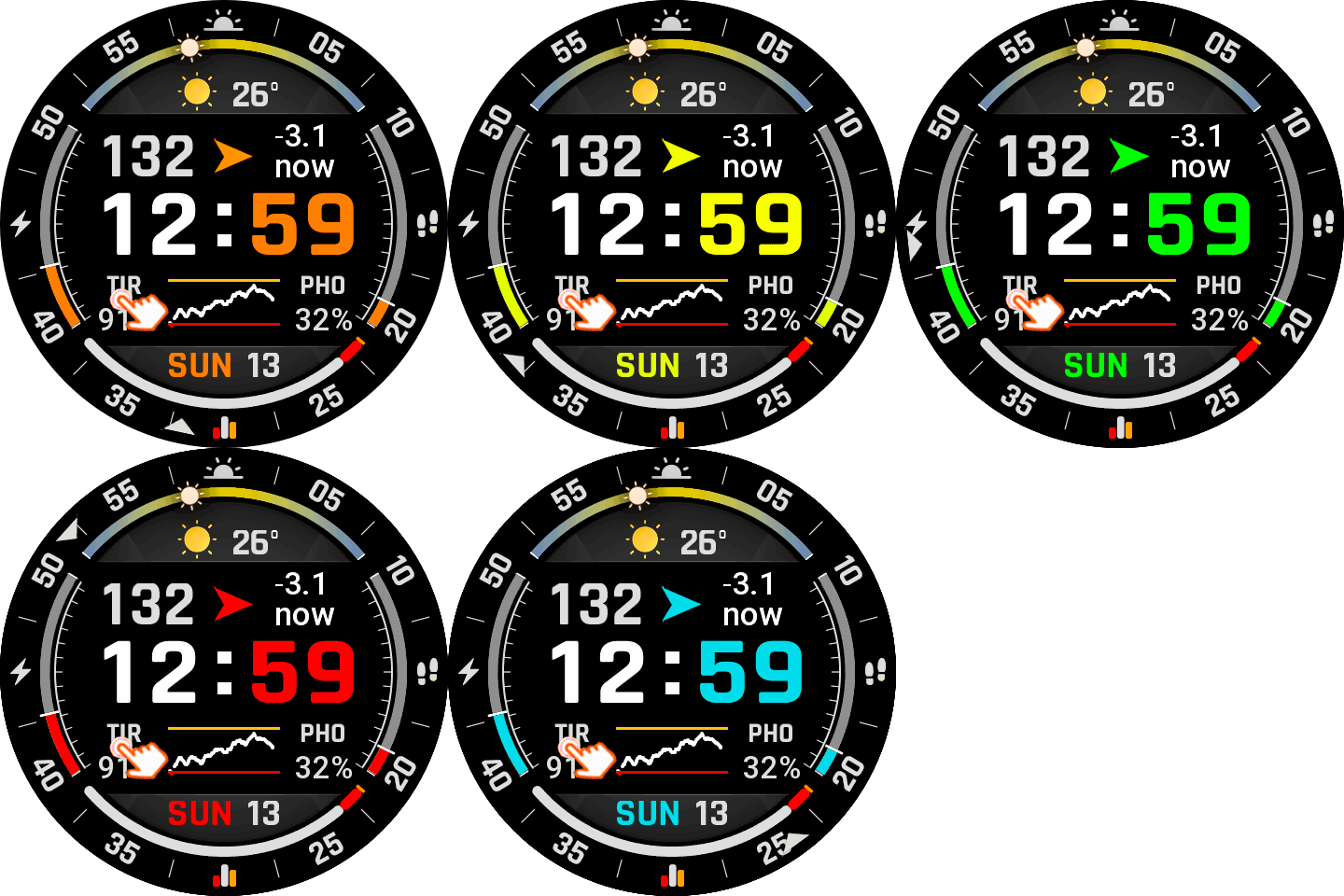
About This Watchface

The watch displays the Time in Range (TIR) ​​data.
It is essential to install the latest version of Watchdrip and the best option (Watchdrip Service App – nimrood100).
Tapping on:
TIR changes the color: orange-yellow-green-red-blue
Hour: Alarm
Minutes: Countdown
Battery: Battery status
Steps: Steps
Stats icon: Calendar
Graphic: Start Bicycle
PHO: Music
Weather: Weather
Sunrise: Sunrise
AOD compatible.
Enjoy…

Watchface info

Other watchfaces by this author

Big Tir

by Joselekis
DigitalGraphLarge TextTIRWatchdrip v2

Y-TIR

by Joselekis
DigitalGraphLarge TextTIRWatchdrip v2

F18

by Joselekis
DigitalGraphWatchdrip v2Weather

F19

by Joselekis
DigitalGraphWatchdrip v2Weather

Leave a Reply

QR code in ZEPP app to install Watch Face

To install this Watch Face onto your Watch, scan the QR code in  Zepp App.

To receive glucose data on your watch, you would also need to Install Watchdrip+ watch app and Watchdrip+ phone app. 

For more detail, see configuration tutorial

QR code

Thanks for downloading!

Watchdrip is maintained in spare time. If it has made living with diabetes a little easier, consider joining Patreon community.

❤️ Become a Patron