
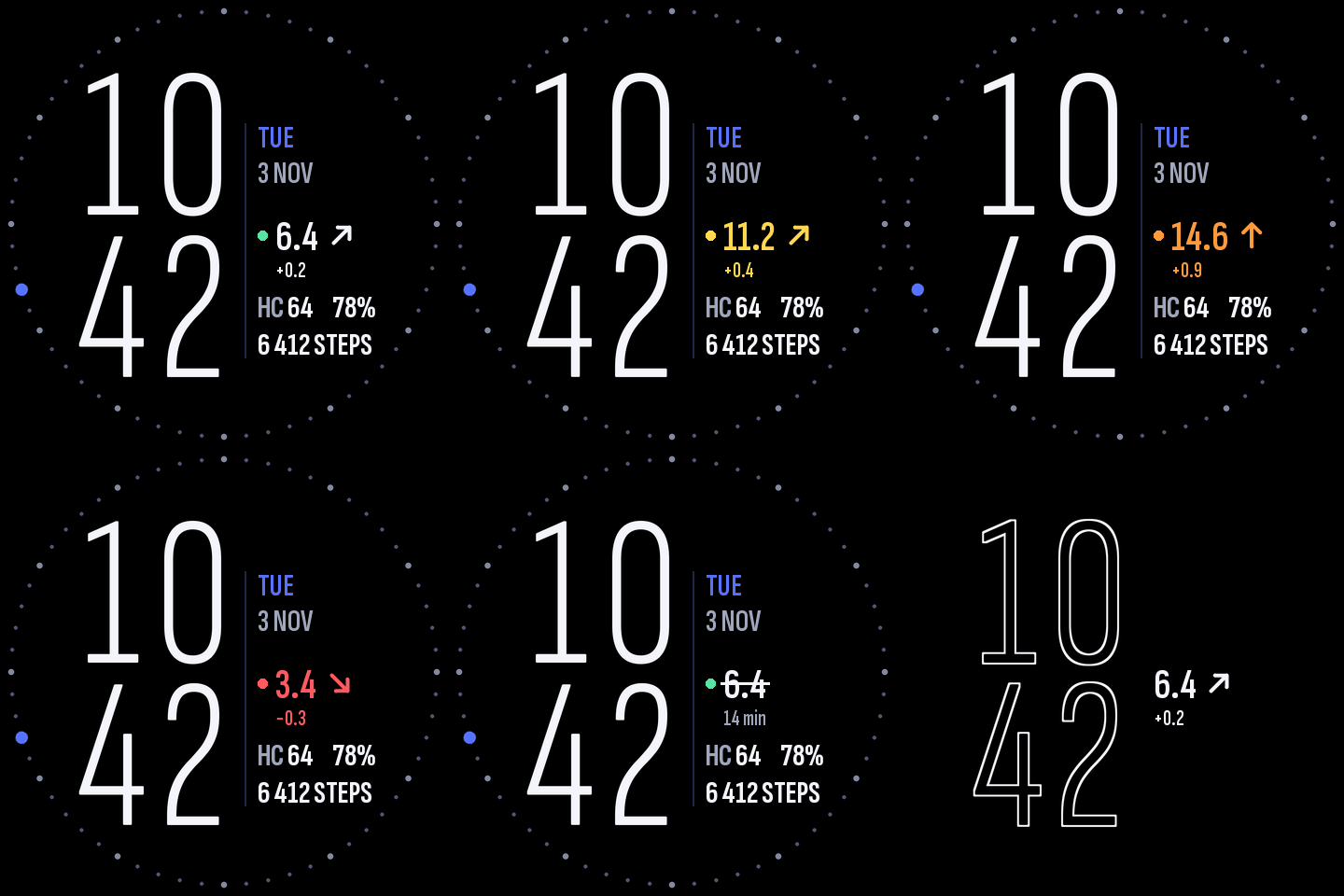
Typographic digital watchface for Amazfit Balance 3 with hours stacked above minutes and an info column, glucose from Watchdrip+ Service.
- Big thin hours above minutes (Sofia Sans); the right column holds the date in the watch language, the glucose line and the metrics.
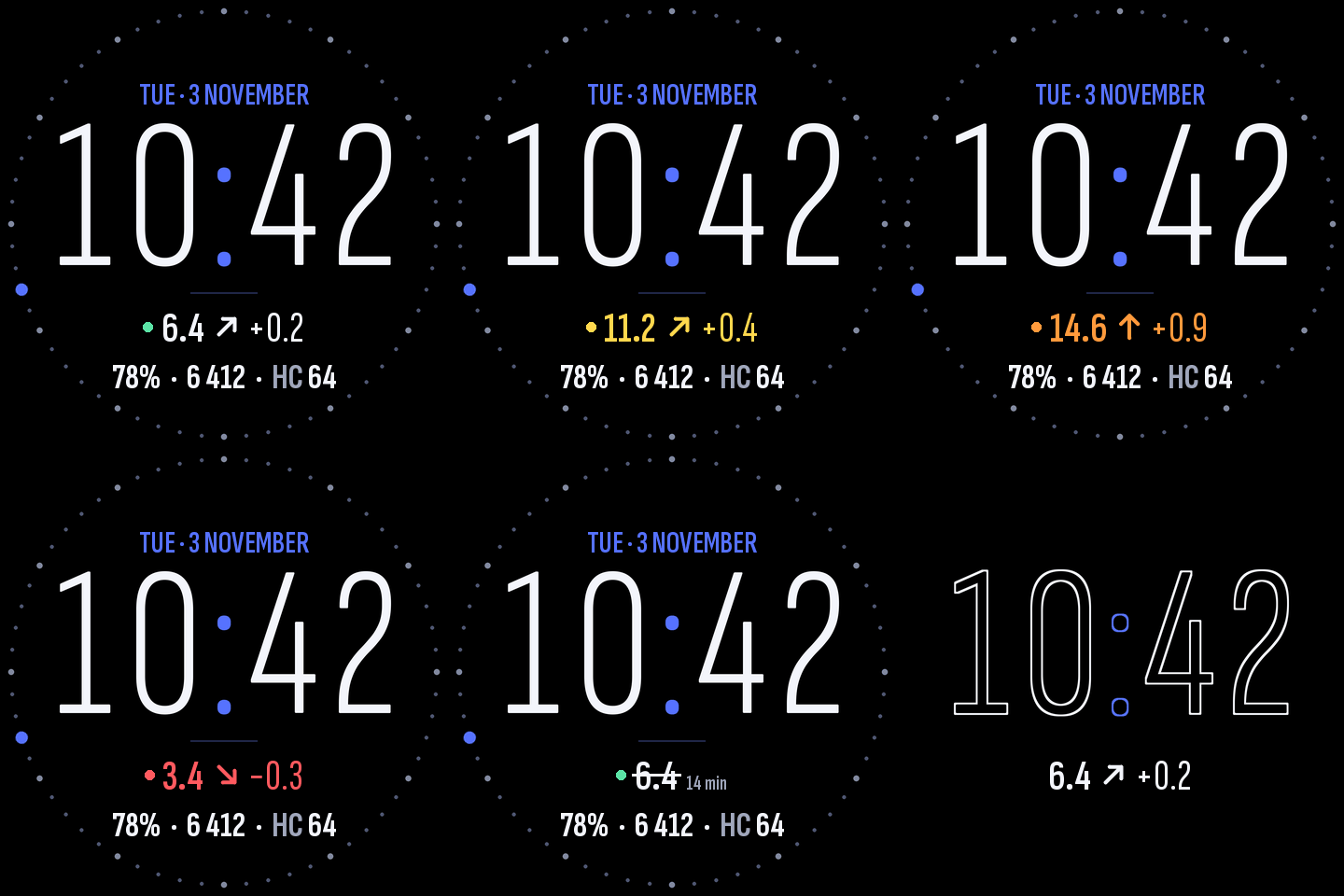
- Glucose: value, trend arrow and delta. Colour changes only out of range: in range white with a green dot, high yellow, above 12 mmol/L orange, low red (uses xDrip high/low flags when present, otherwise 3.9 / 10 / 12 mmol/L). xDrip HIGH/LOW readings are shown as words.
- Stale data is never shown as fresh: older than 10 min the value is struck through and its age replaces the delta; older than 30 min it shows “—”.
- Battery, steps and HybridCharge. Tap steps to open Activity, tap HC to open HybridCharge.
- Always-on display: outline time and the glucose line.
Requires Watchdrip+ Service 2.1.0+ running on the watch (the classic WatchDrip+ mini-app file is read as a fallback). Units: mmol/L (mg/dL is converted). Tested on Amazfit Balance 3, Zepp OS 5.
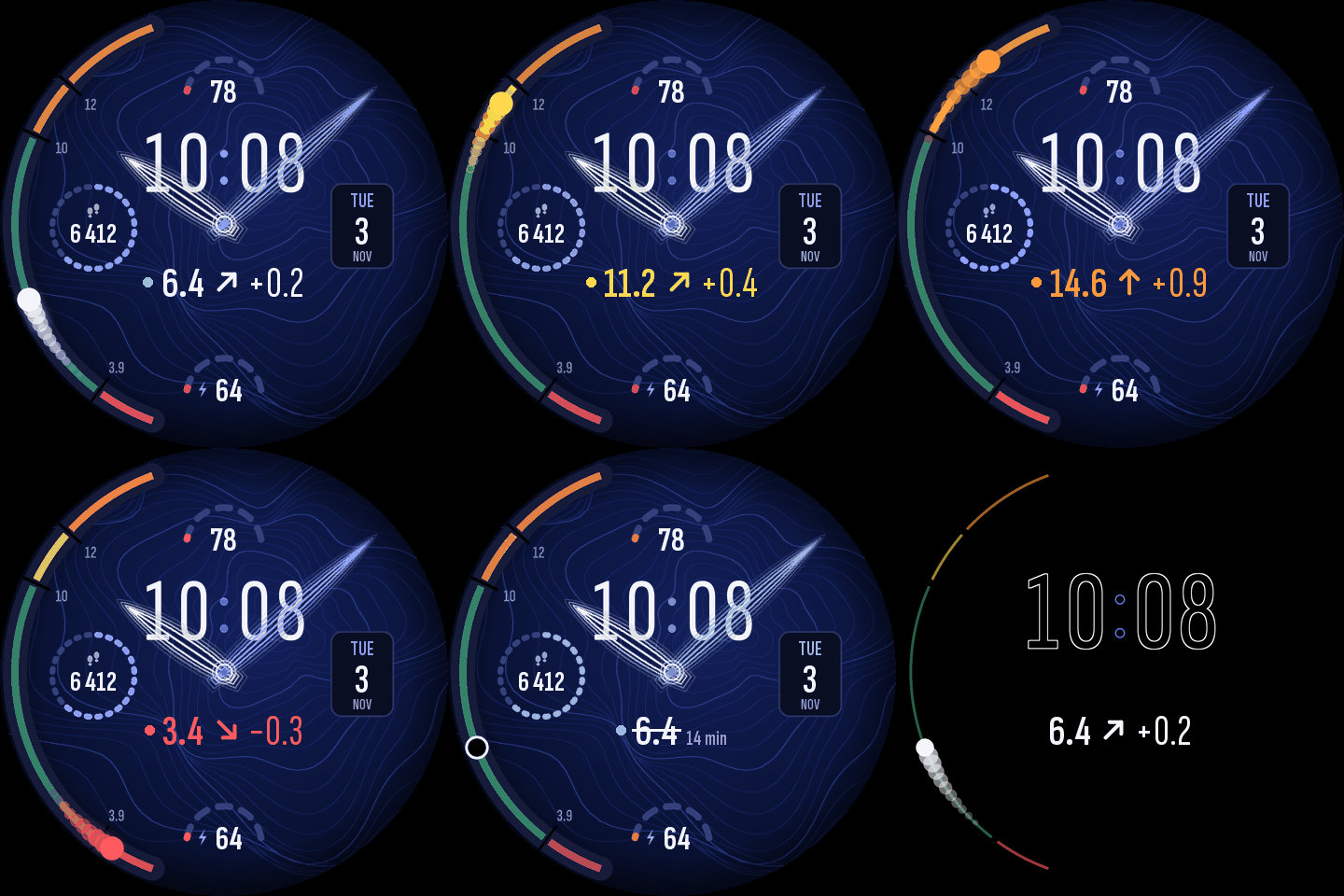
Same family: Cobalt Drip Digital (classic layout) and Cobalt Drip Analog (hands with a glucose scale on the rim).
Source code (MIT): gitlab.com/domaroff/cobalt-drip-watchface